Account-based selling lives and dies on timing. Reach a target account the week it raises a round or swaps an operations leader and you get a reply. Reach it on a random Tuesday and you get silence. HubSpot just widened the set of signals that tell you when that week has arrived.
What HubSpot shipped
Buyer Intent's news catalog now runs to 20 company news signals, and they cover most of the events that actually move a deal. Financial moves: an IPO, an earnings or revenue report, a strategic investment, an asset acquisition or divestiture. Leadership and team: executive promotions, departures, retirements, and headcount jumps. Corporate structure: company and division spinoffs, product integrations, ended partnerships. Competitive and risk: a competitor getting named, a lawsuit or bankruptcy filing, a lost client. They live in the signals tab and behave like any other intent signal, so you can filter on them, segment with them, and trigger workflows off them. The feature is now available to any account with HubSpot Credits.
Why this matters
A six-figure deal with four approvers does not turn on a cold email. It turns on a reason to talk. A funding event means budget. A new operations leader means someone is reviewing the stack they inherited. A division spinoff means systems are about to get split, and somebody is deciding what stays and what goes. Those are the moments a relationship seller wants to catch, and most teams catch them late, by accident, from a forwarded news article.
Wiring the signal into your CRM changes that. Instead of a rep skimming headlines, the system flags the account and acts on it the same day. For a long, multi-stakeholder sale, catching the trigger early is often the whole difference between leading the conversation and reacting to a competitor who got there first.
How to actually use it
- Open Buyer Intent and go to the signals tab. Under tracking preferences, turn on the Company News signals that map to a real buying trigger in your world. You do not need all twenty.
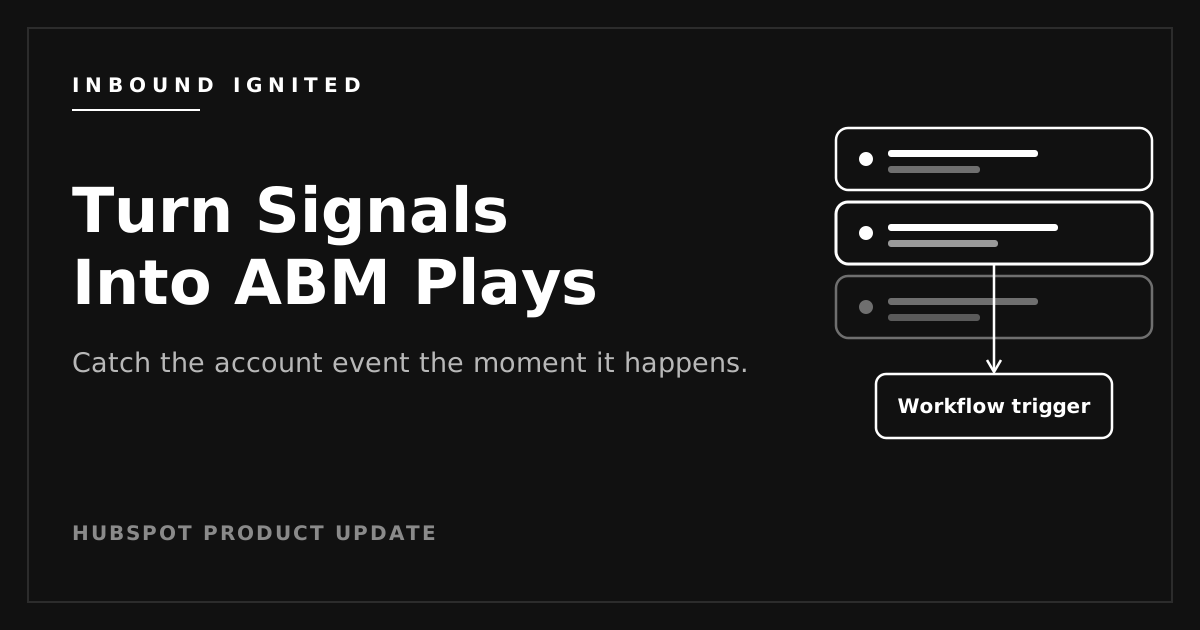
- On a signal, use the Use in action to spin up a static segment or a workflow trigger. That is the step that turns a headline into an action instead of a notification nobody opens. Enroll the account owner in a task, start a tailored sequence, or fire an internal alert.
- Build list or index views off the Recent Intent Signals company property. If you score accounts, add signal activity to your lead scoring so a fresh signal pushes the company up the list.
- Check the company timeline before anyone reaches out. Each signal fires there with its own detail (amounts, dates, names) and the source references behind it, so a rep can confirm the event is real and recent.
One setup note: signals only populate for companies you are tracking. Confirm your tracking code and markets are set under the Configuration tab first, and remember that adding net-new companies there draws down credits.
What to watch
Credits are the first thing. Each net-new company added consumes credits, which HubSpot's documentation puts at 10 per company. Tracking intent on companies already in your CRM does not, but the adds stack up quietly. Set a monthly limit under Buyer intent credit limits before you turn auto-add on.
The signal is a prompt, not proof. A funding headline can be stale, wrong, or about a different entity with a similar name. The timeline gives you the source, so use it. Treat a signal as a reason to look, not a reason to pitch blind.
And keep the consent side clean. You are tracking and storing visitor and company data, so your cookie consent banner and tracking setup need to hold up.
Where to start
Pick one signal that maps to a real buying trigger in your world, not all twenty. Wire a single workflow off it with the Use in action, watch it for a month, and see whether the accounts it surfaces actually convert. If they do, add the next signal. If you want help mapping signals to your pipeline stages and building the workflows behind them, that is the kind of setup Inbound Ignited handles.

 Craig Leabig : Jun 1, 2026 4:09:28 PM